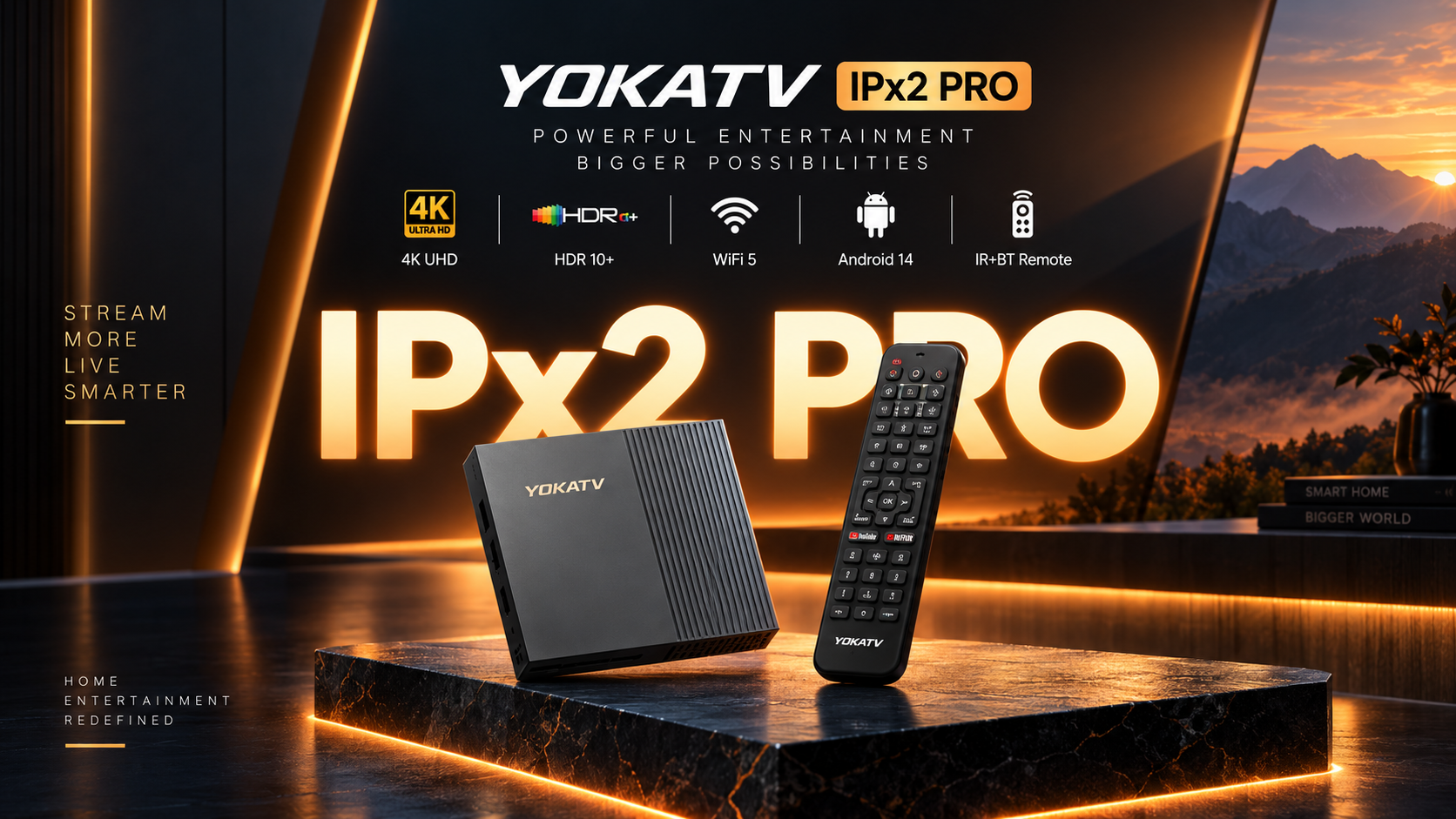
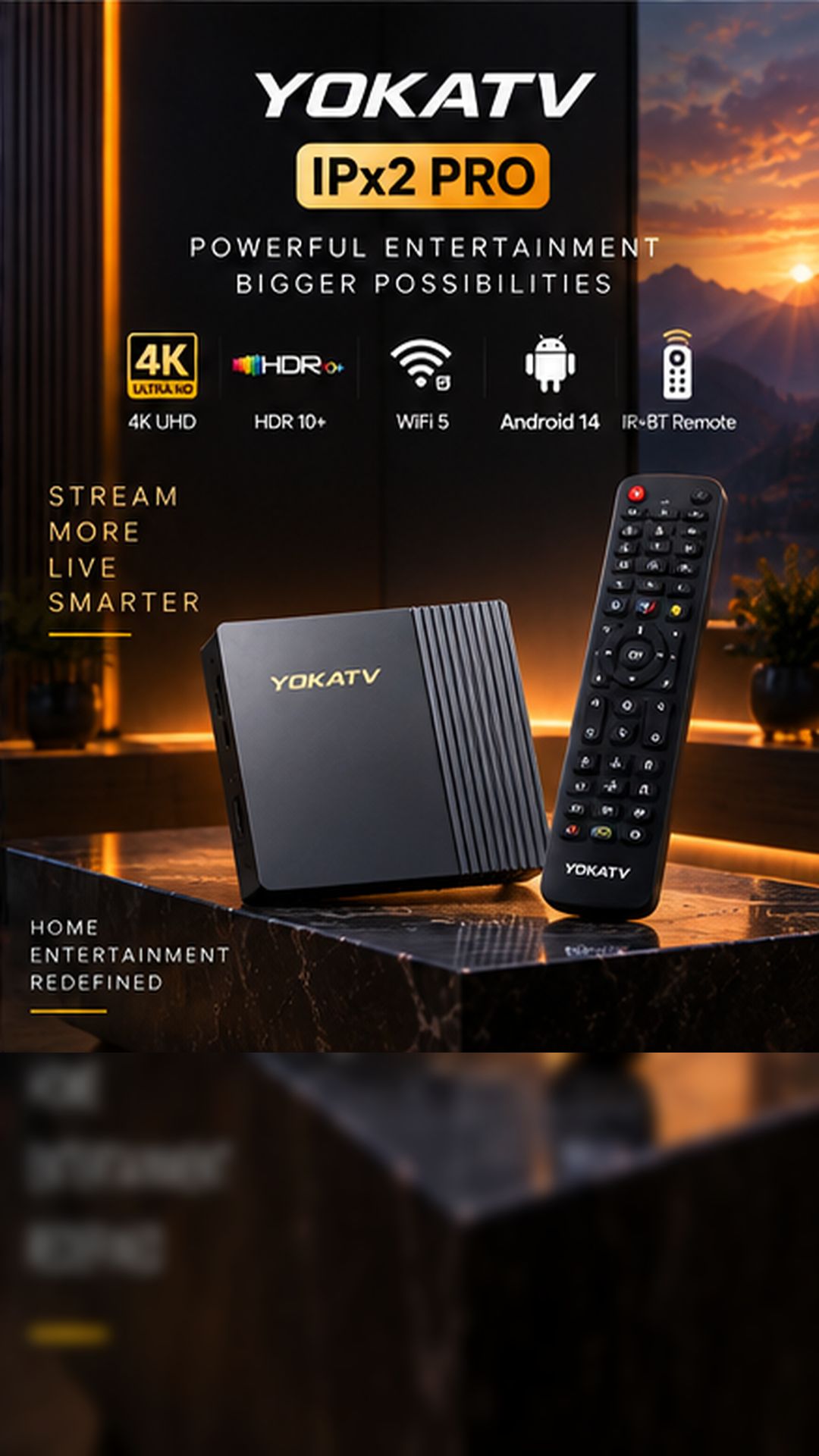
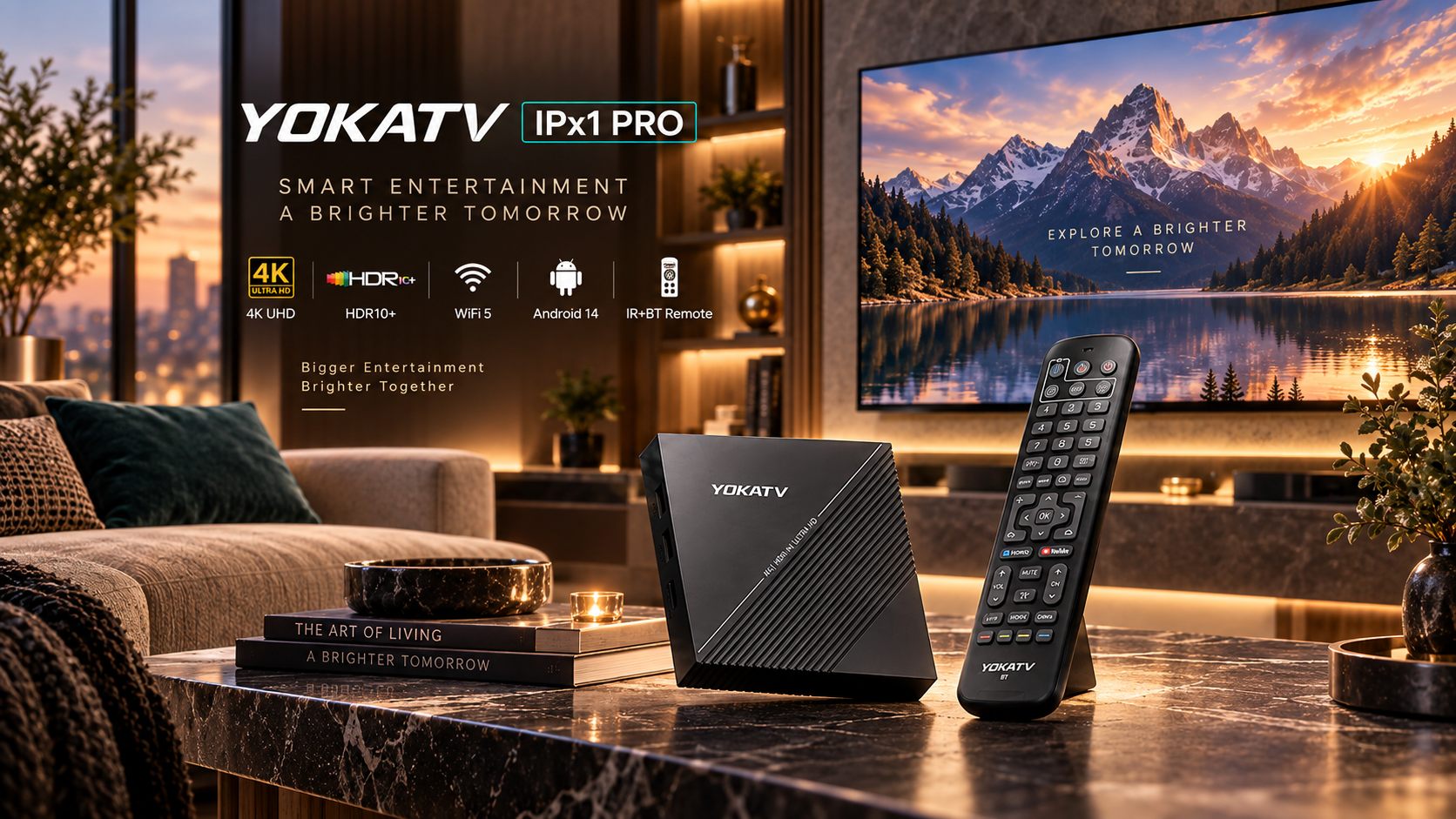
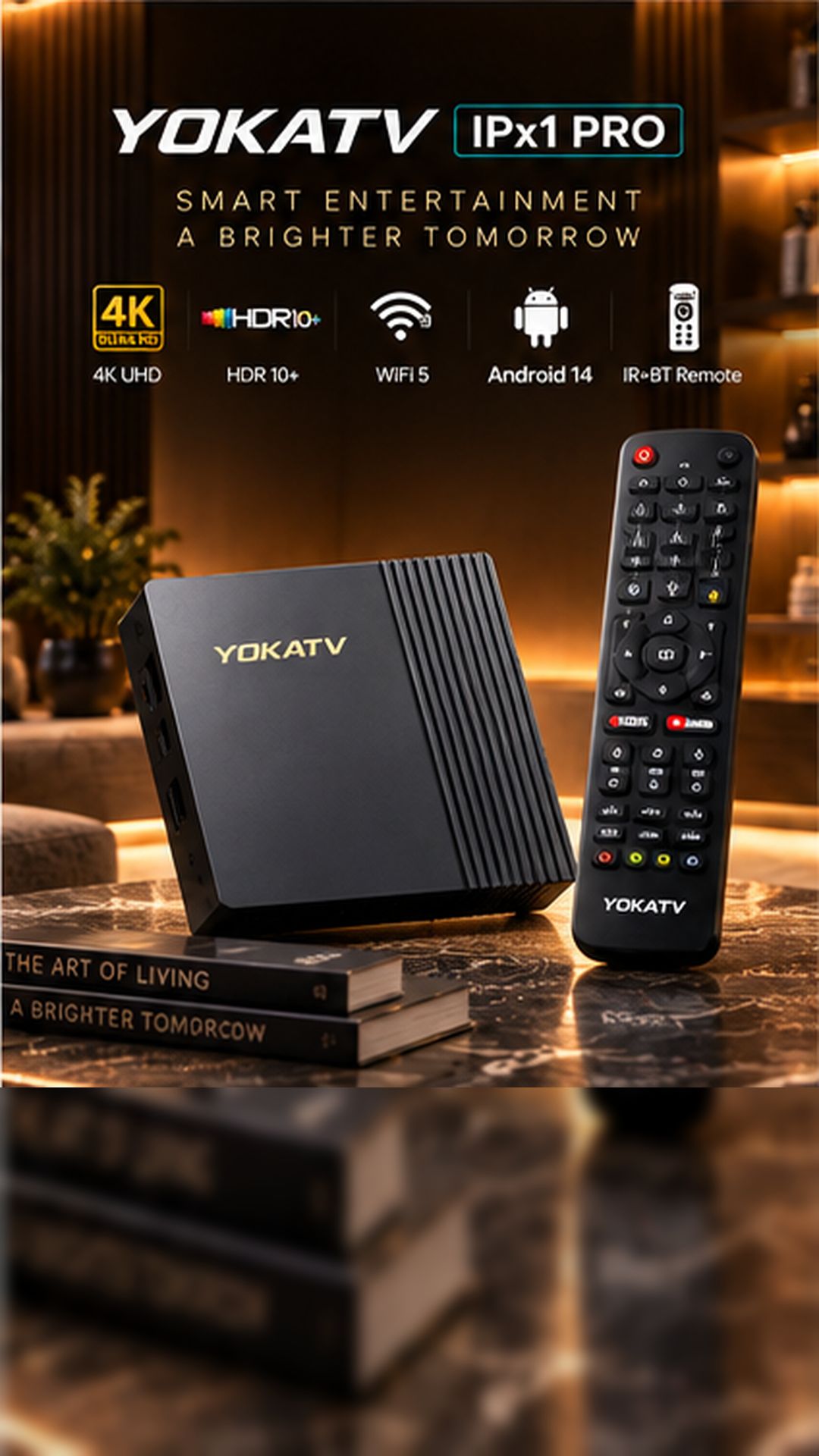
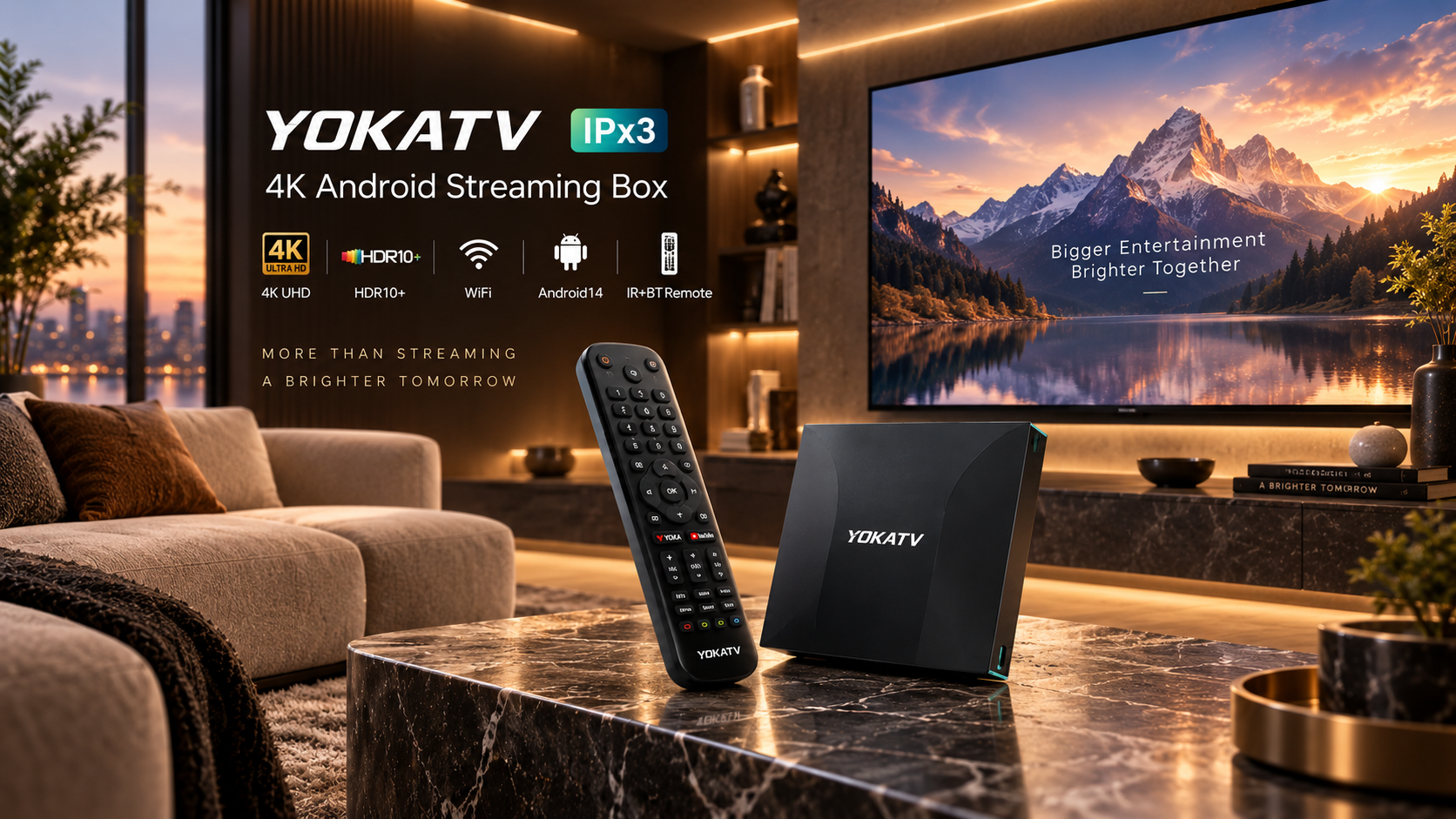
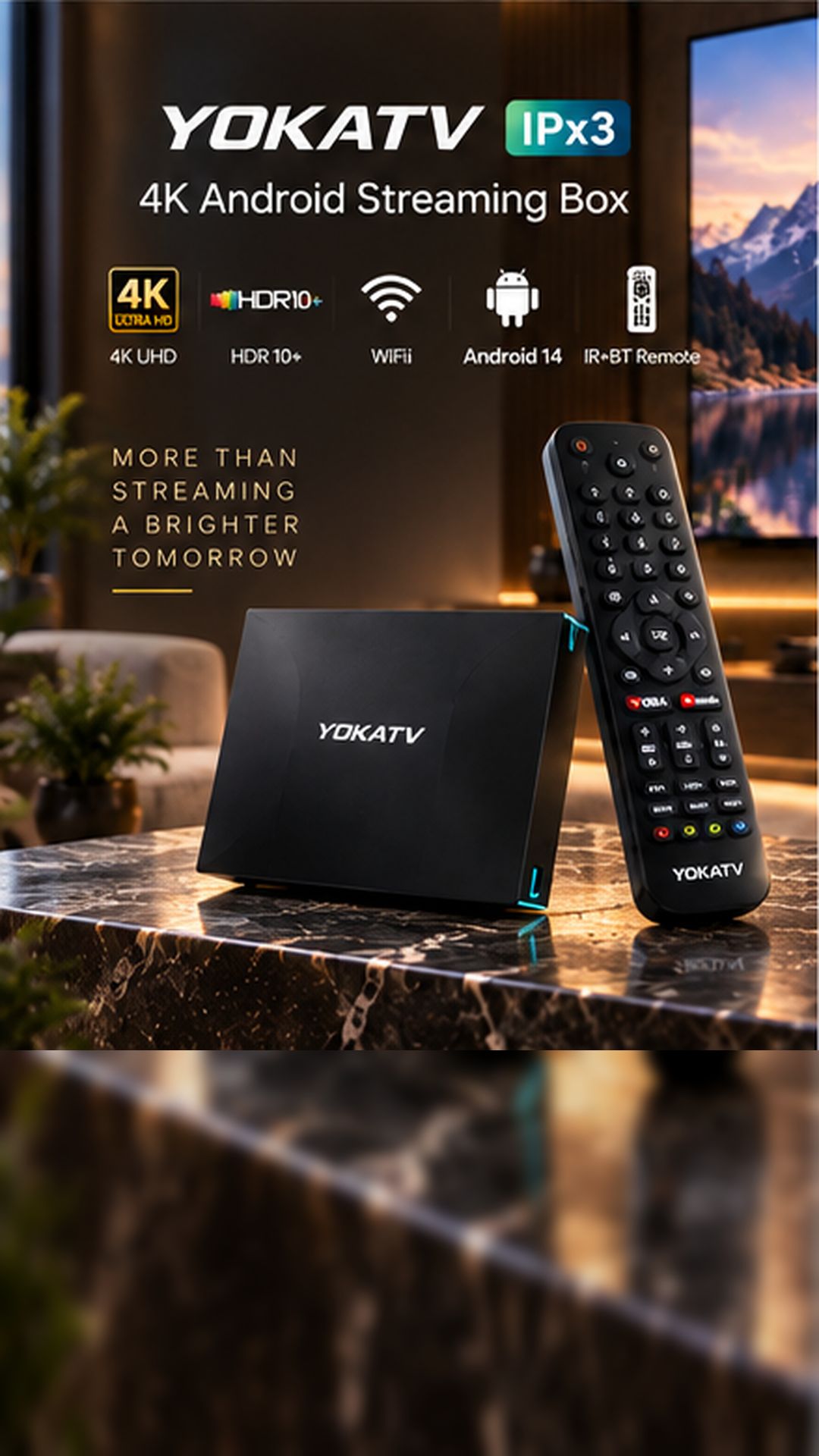
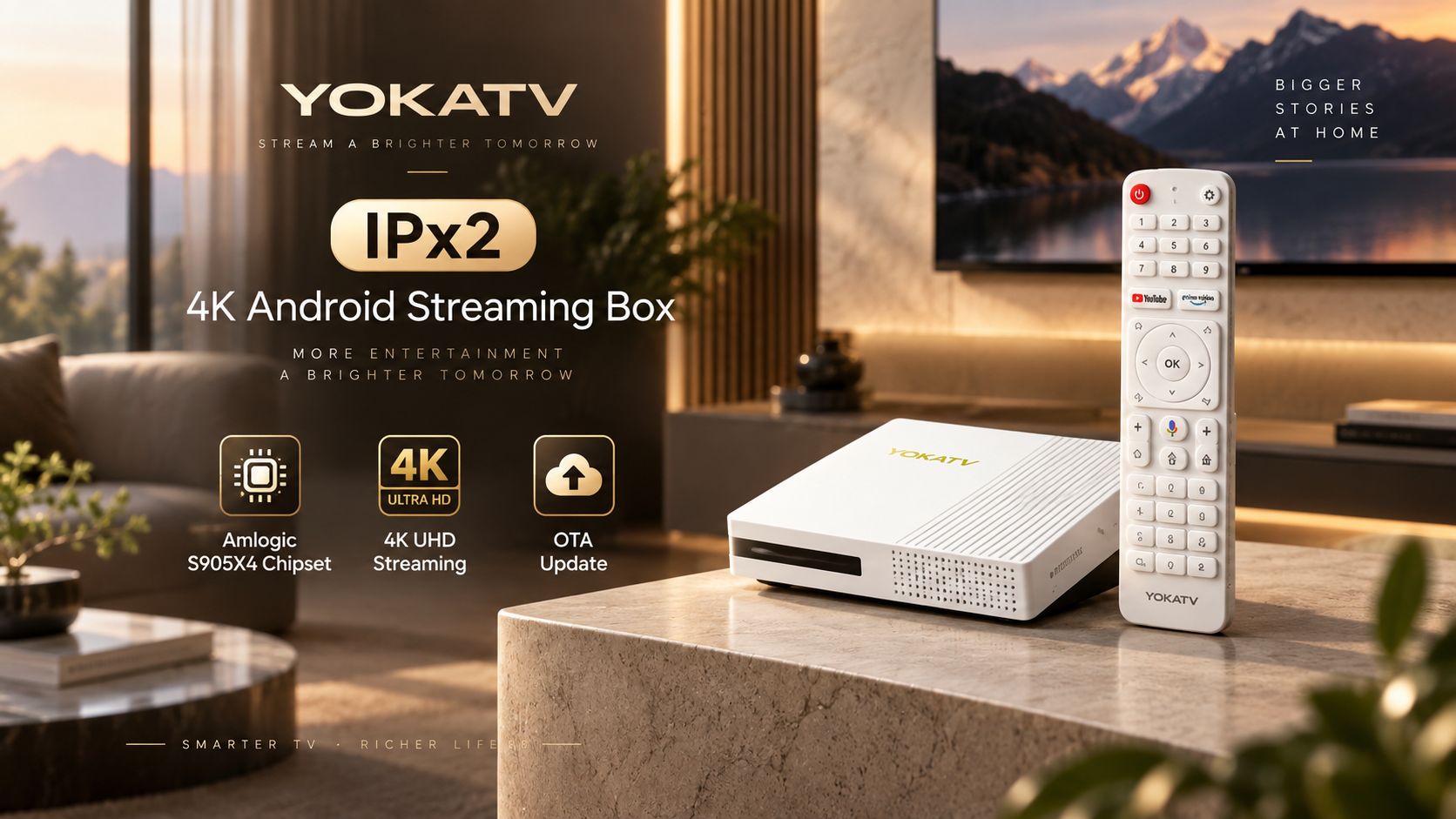
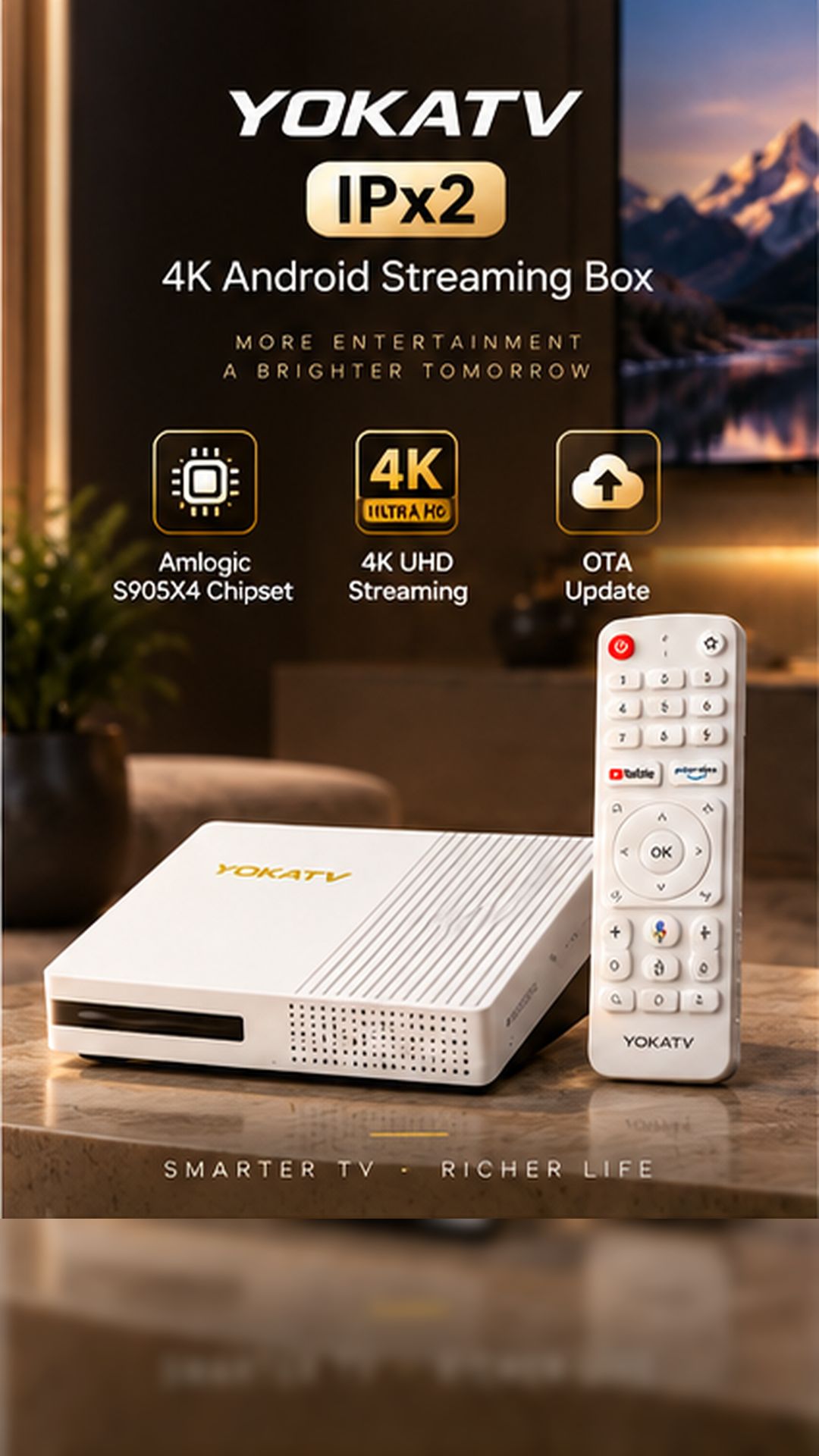
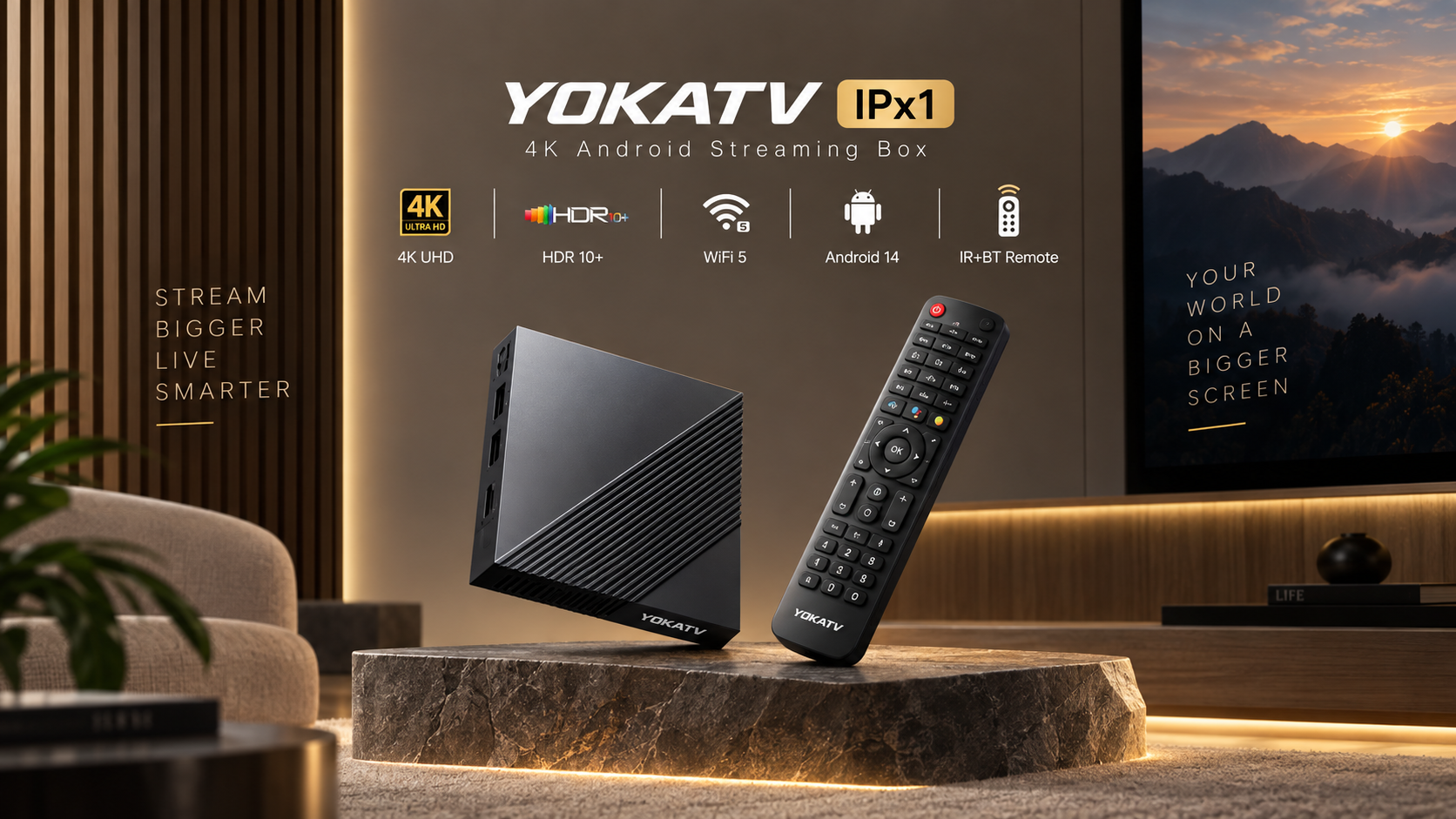
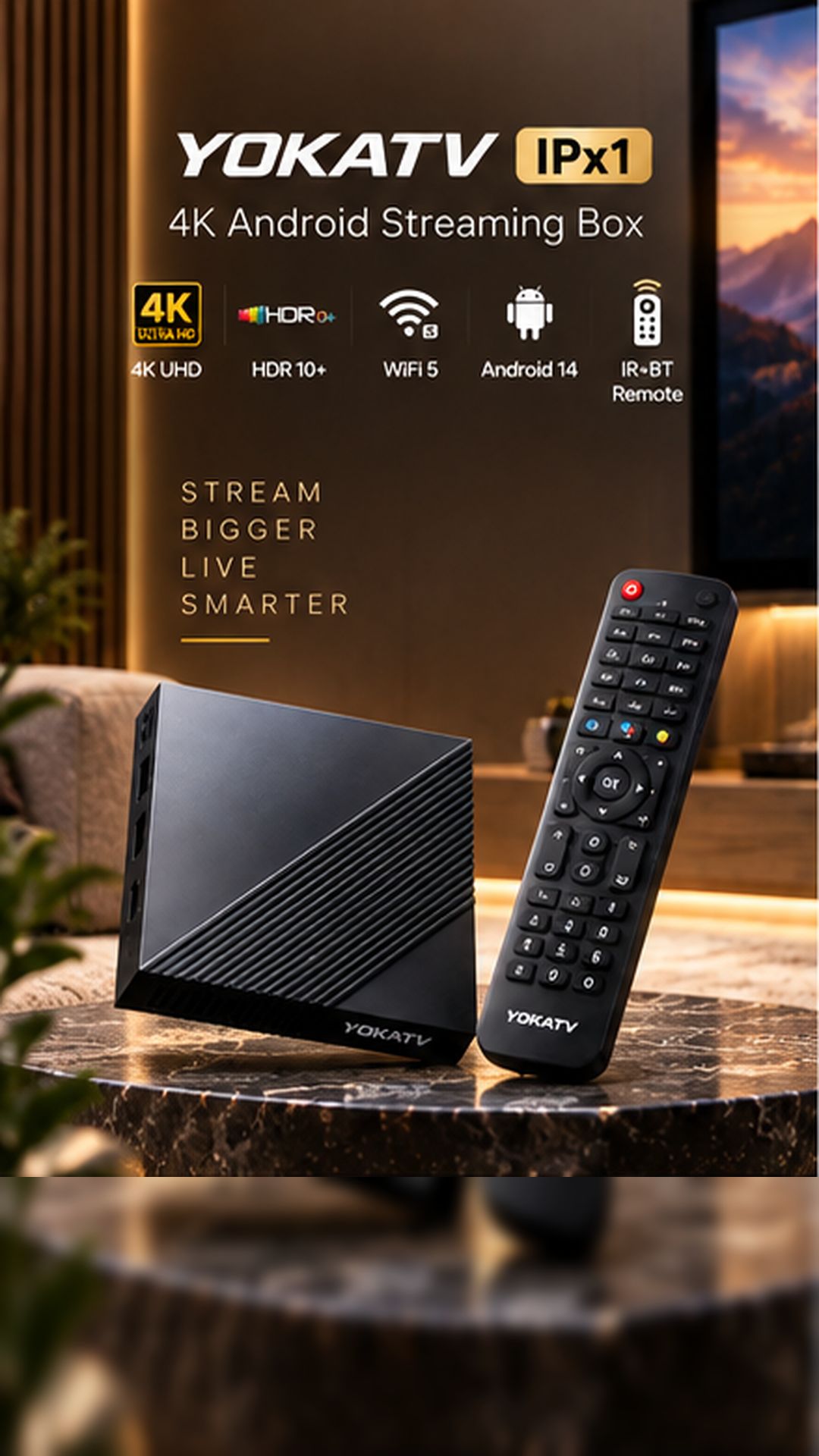
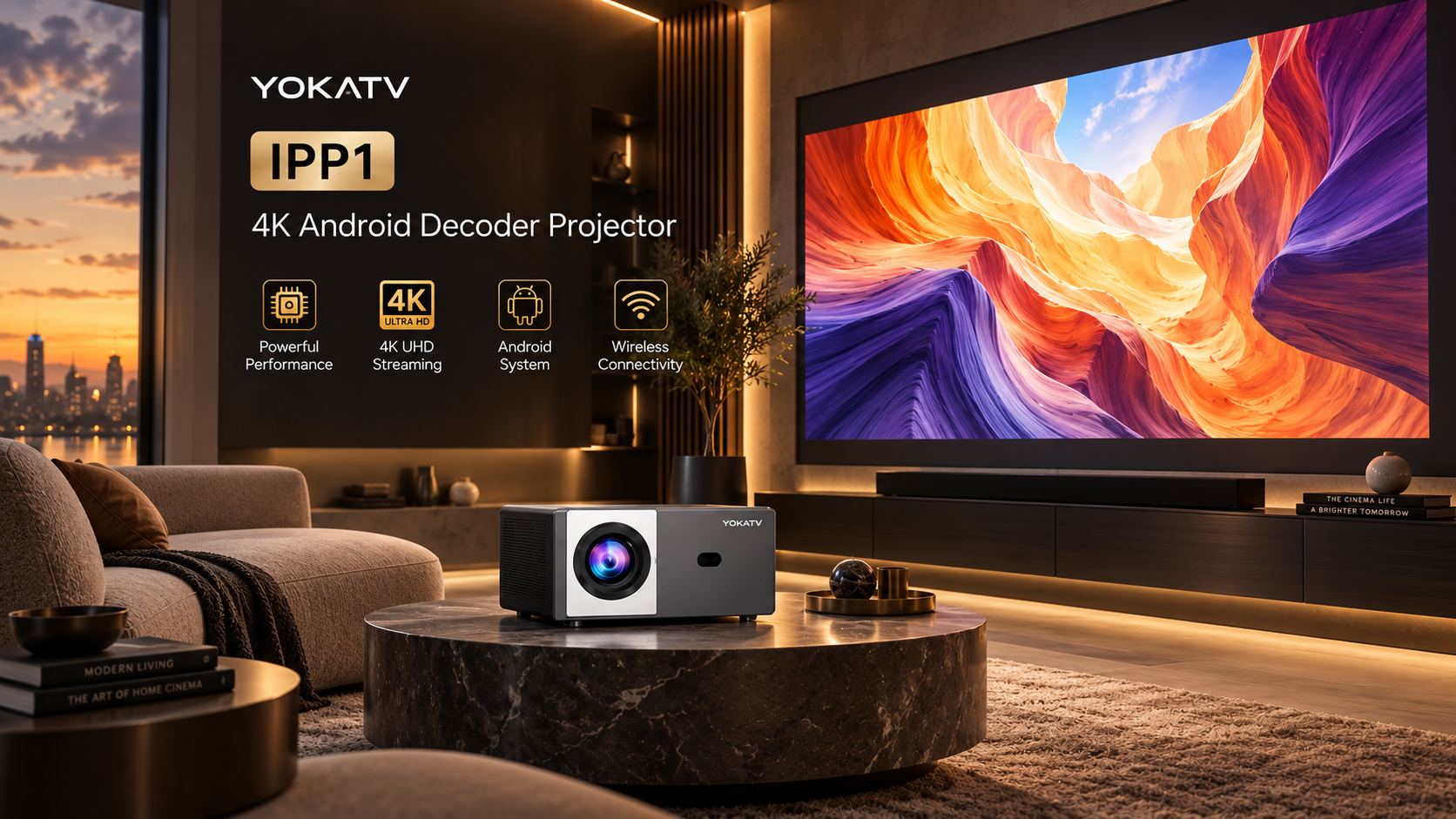
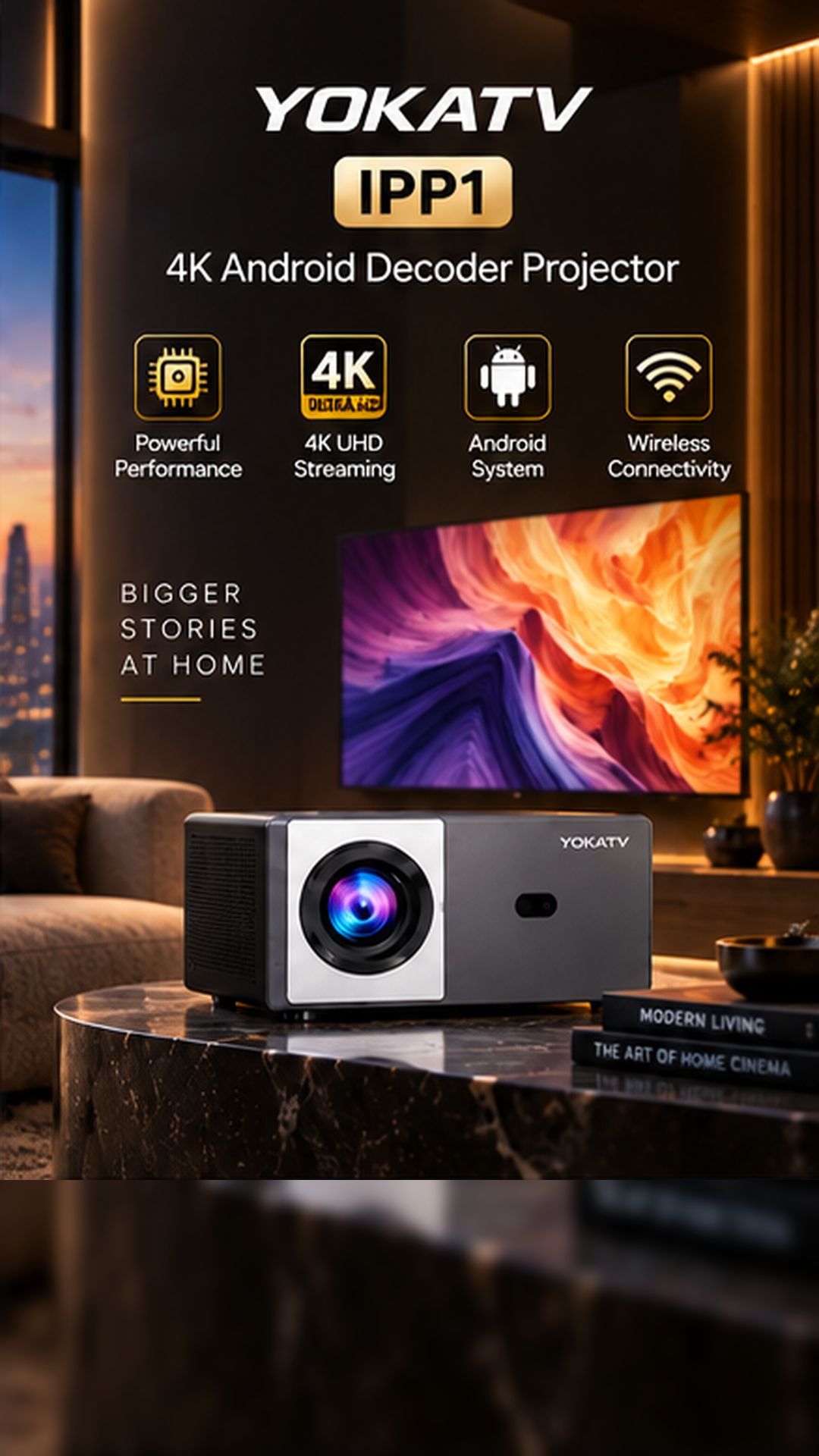
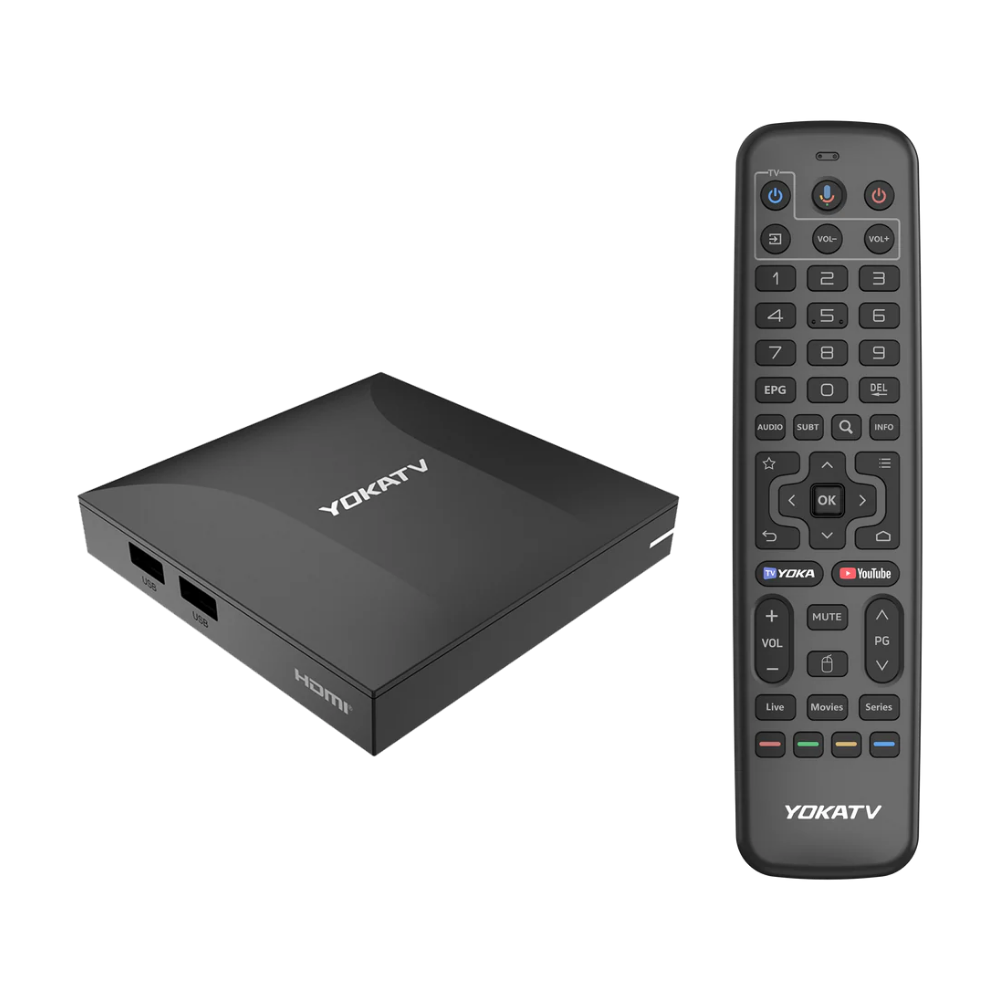
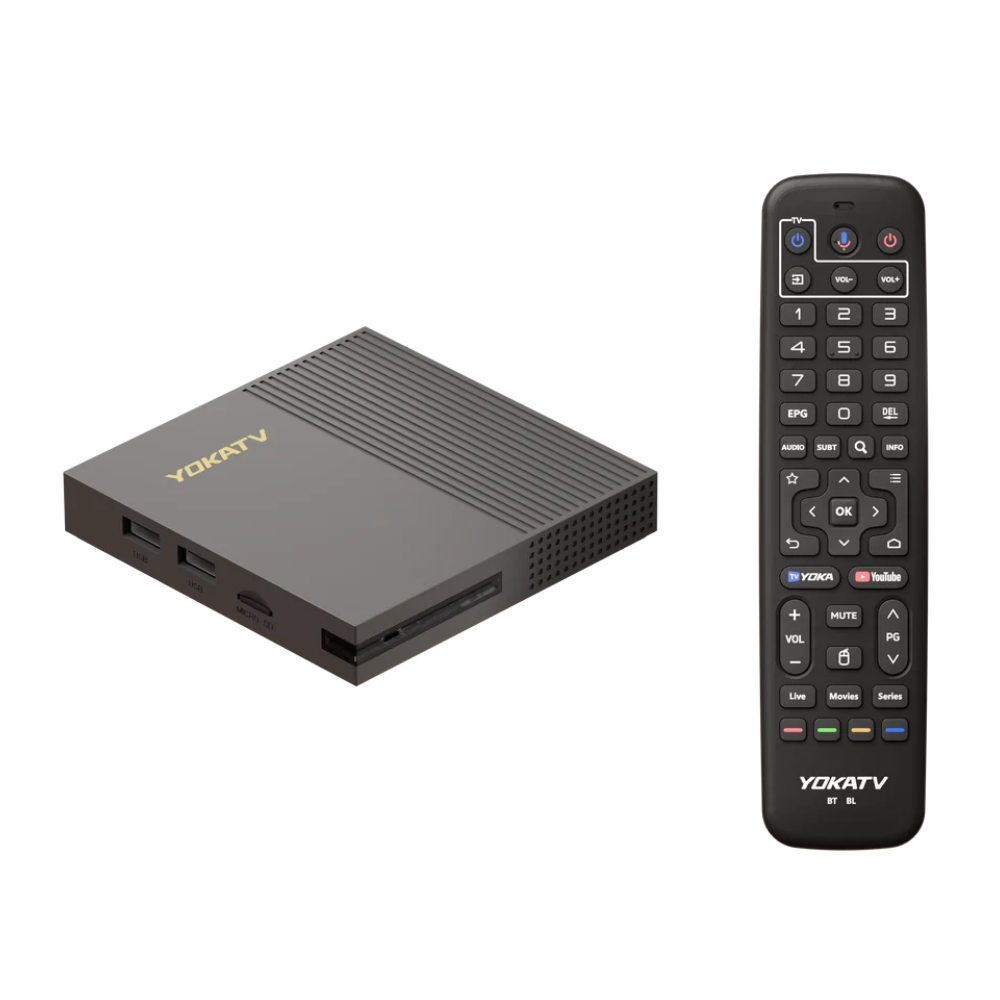
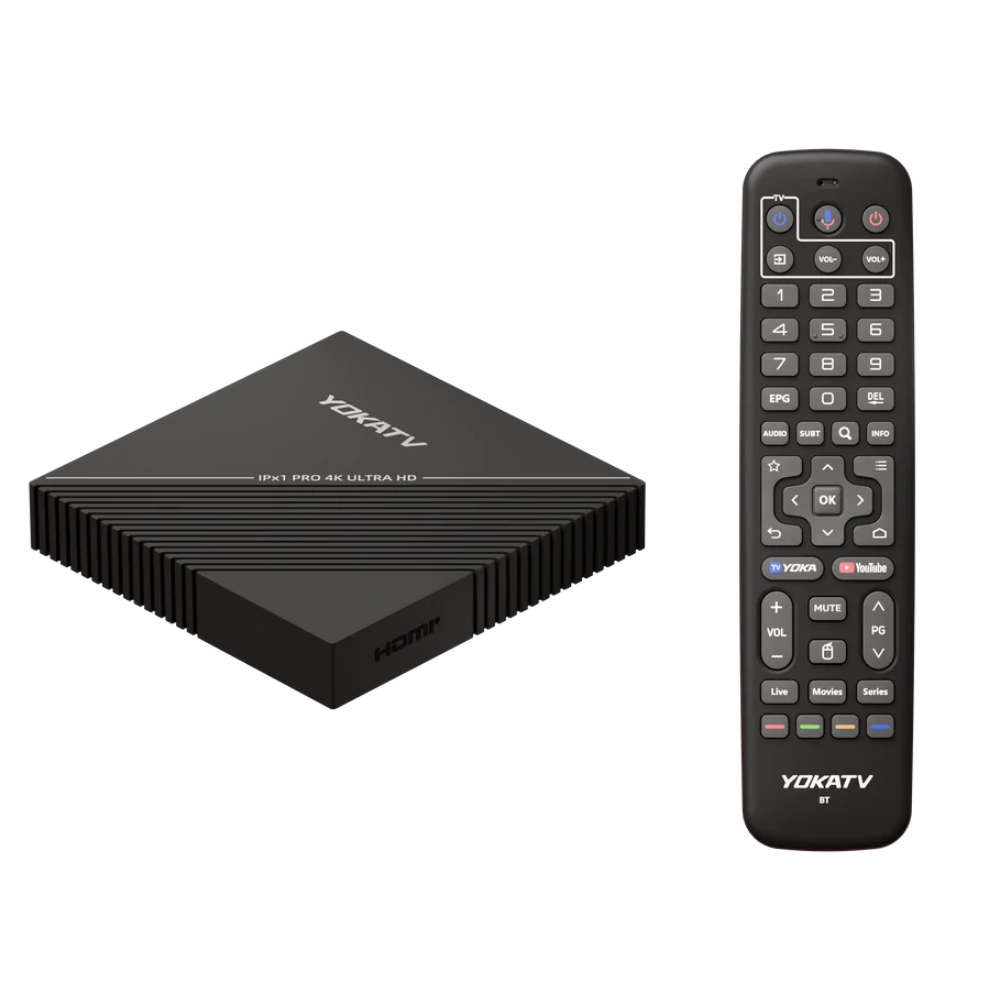
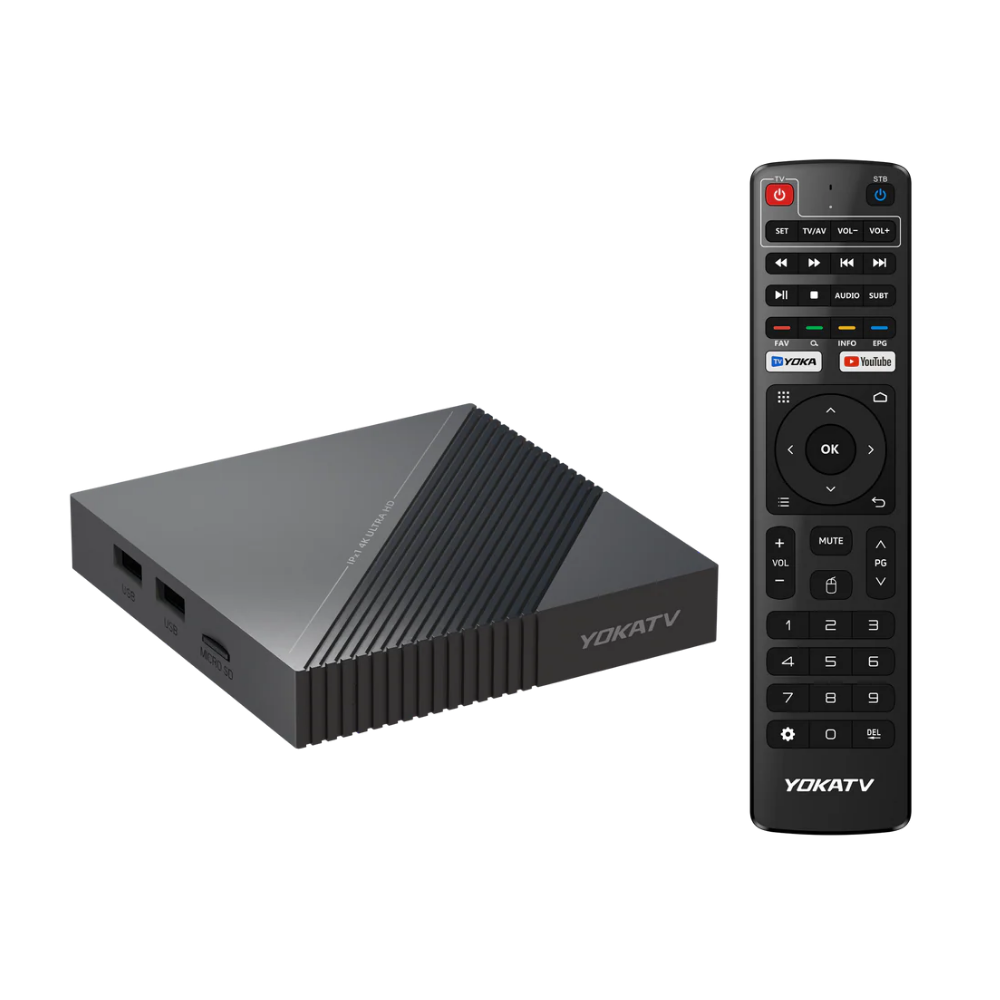
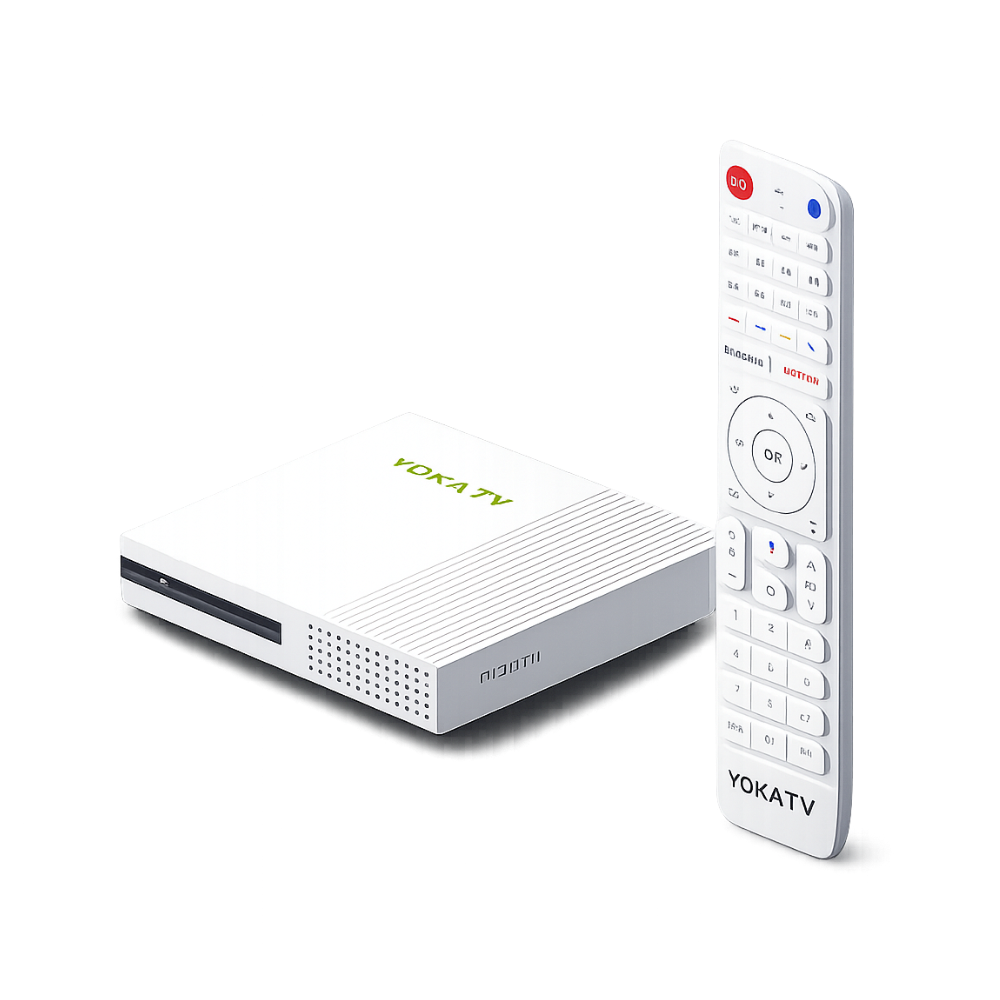
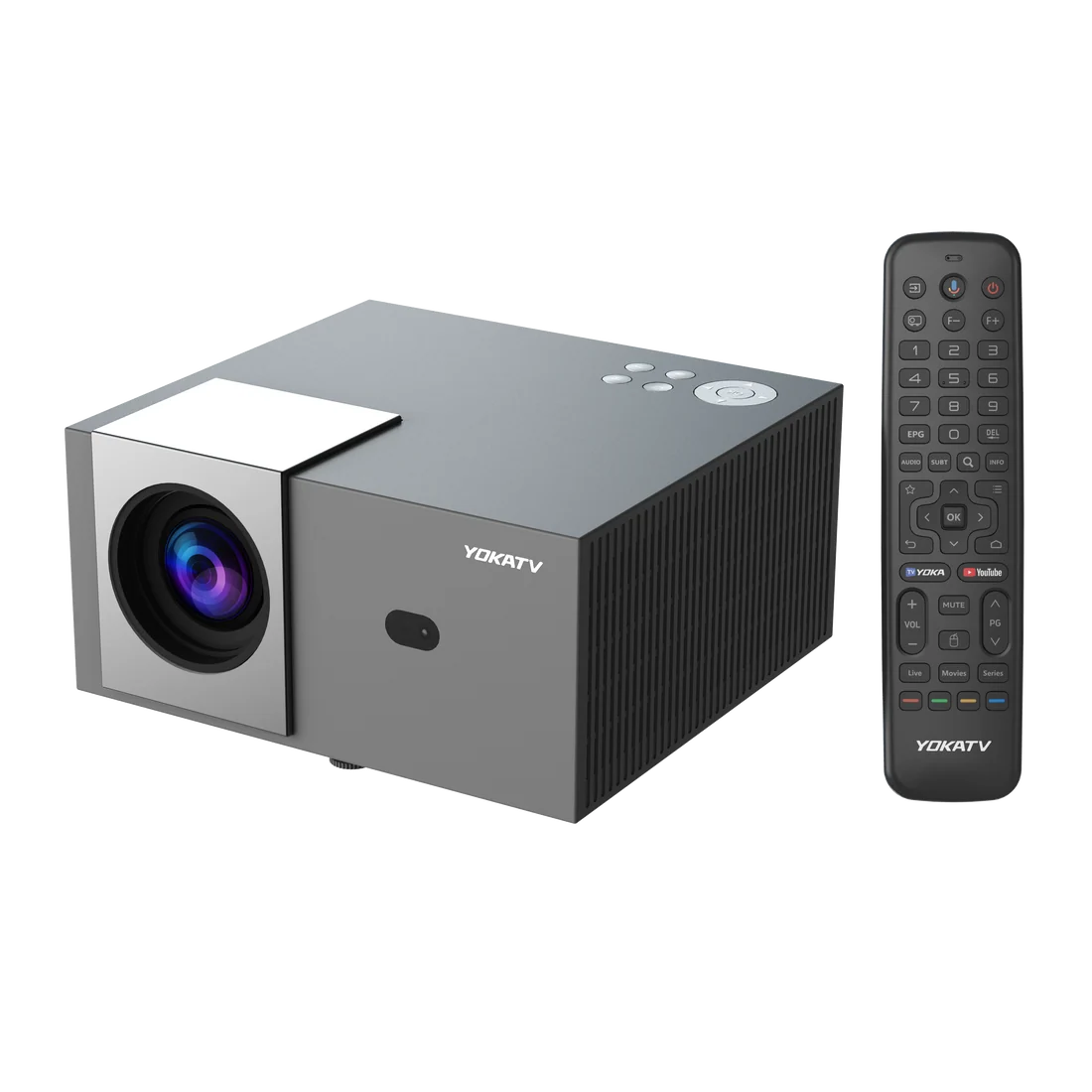
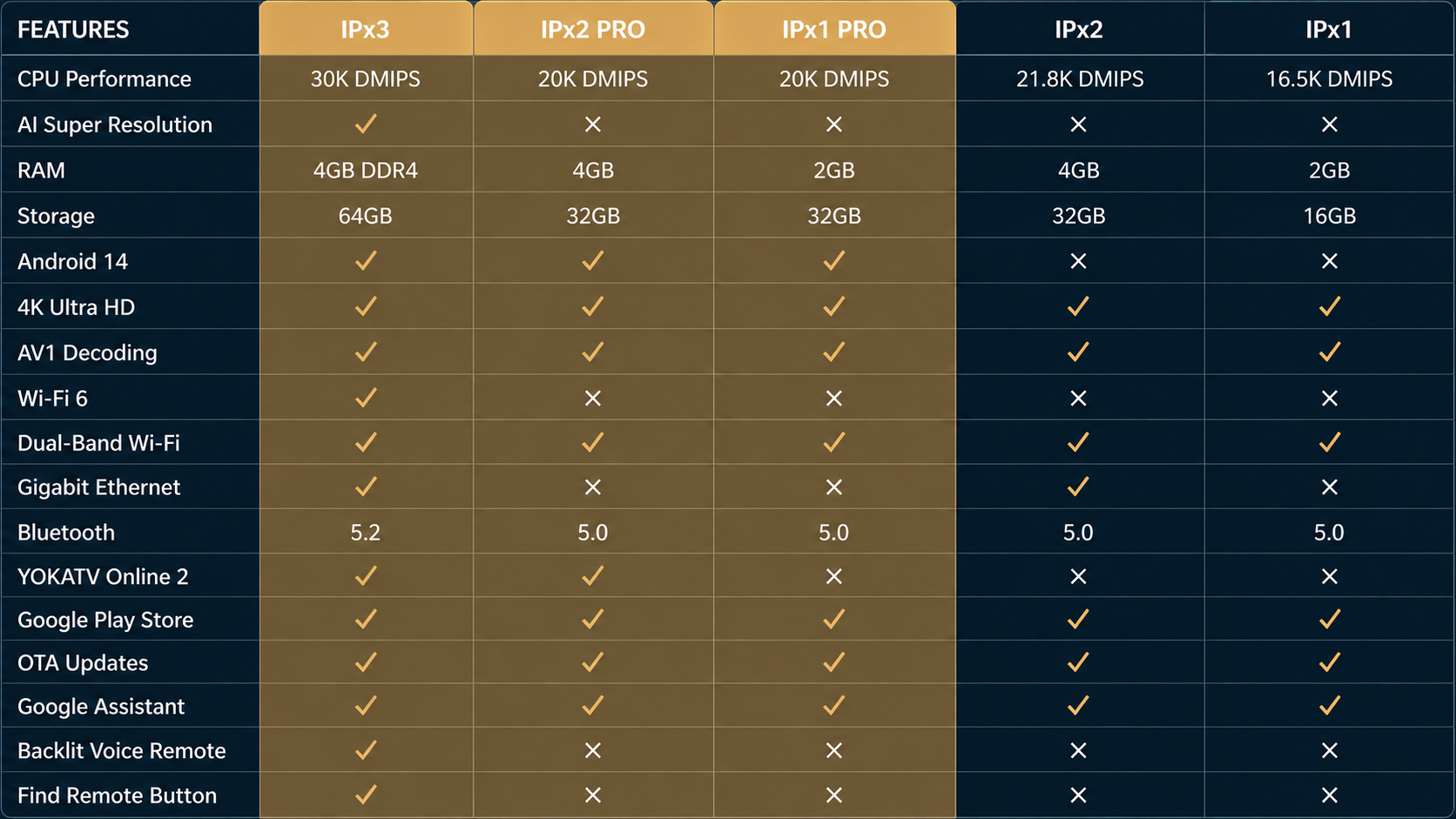
YOKA TV devices are built with premium hardware and optimized software to deliver smooth performance, reliable connectivity, and an exceptional entertainment experience. Enjoy faster streaming, advanced features, and regular updates designed to keep your device performing at its best.
FEATURES
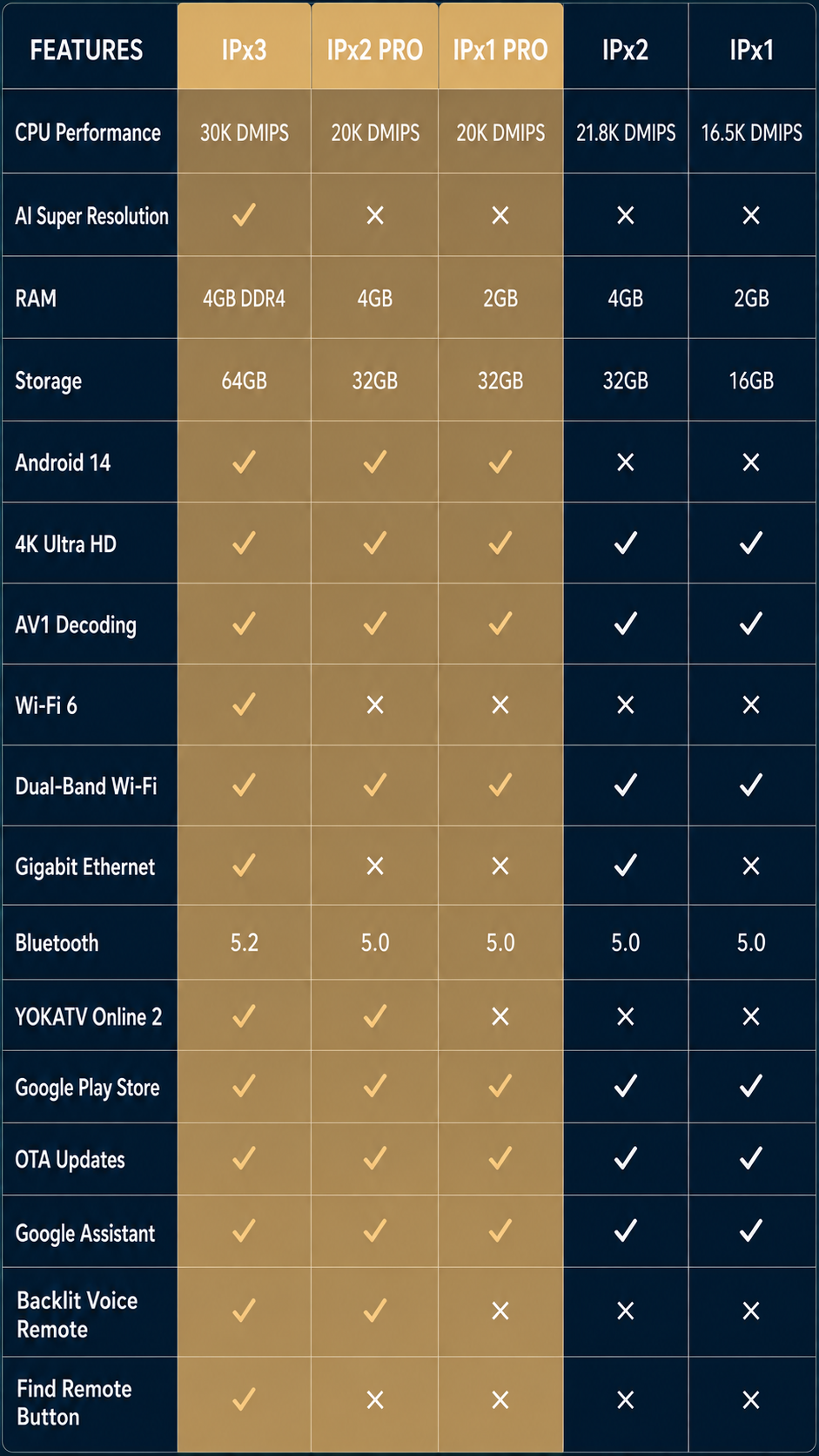
AI Super Resolution
Android 14
Wi-Fi 6
YOKATV Online 2
Backlit Voice Remote
OTA Software Updates
VPN Support
Premium UI Experience
IPx3
IPx2 PRO
IPx1 PRO
IPx1 + IPx2
Disclaimer
Yokatv do not sell or promote any copyright Infringement content in any of the boxes. There are no services embedded in these boxes. No subscription. We won’t be responsible if any external services don’t work on these boxes. These are purely Android & Linux boxes with built-in Apps to provide Multimedia entertainment.
If you require any more information or have any questions about our site’s disclaimer, please feel free to contact us by email on support@yokatv.tv
1. Does YOKATV support both Android and Linux operating systems?
YOKATV runs on Android 11 and Android 14 but offers a unique theme that mimics the look and feel of a Linux-based system. This design provides users with a more flexible and familiar experience. YOKATV is the first Android TV box to offer this kind of interface, combining Android’s performance with a Linux-style UI for added convenience.
2. Any warranty on your products?
Yes, we offer a 1-year warranty against any quality defects on the android box (from the date of purchase).
3. Does YOKATV support Xtream, M3U or Stalker portals?
YOKATV Android TV boxes and Android projectors support all popular streaming portals, allowing you to enjoy unlimited streaming through leading portal services like Xtream, M3U, and Stalker.
4. What is the default password? How do I set or change the password?
The the default password for YOKATV Android TV Box and Android Projector is “0000”.
Go to Settings → Change Password.
Enter the default password: “0000” when prompted.
Follow the instructions to set a new password on your TV Box or Projector.
5. Why doesn’t the interface enter YOKATV Online after booting?
This issue may occur because the YOKATV Online app is updating in the background. During the update process, the system may temporarily prevent access. Please wait 1–3 minutes for the update to complete, then try entering the app again.
6. Does YOKATV really support 4K streaming?
Yes, YOKATV 4K Android streaming boxes support Ultra HD streaming and come equipped with HDR10+ for enhanced picture quality and vivid colors.
7. How do I log in to my streaming account on the YOKATV Online App?
YOKATV Online supports the following account types: Stalker Portal, Xtream Codes, and M3U.
Follow these steps to log in:
1. Go to the account management page:
Menu → Portals
2. Click the “+” icon and choose one of the following methods:
Quick Add: Use your phone to scan the QR code or enter the provided web link and device code in a browser. Then fill in your account details on the webpage. Manual Add: Manually input your account information directly in the app. (e.g., for Xtream Codes, enter the URL, username, and password.)
3. Save and confirm your settings to start streaming.
8. Why i can't place an order on the website?
YOKATV operates through a distributor program, so direct purchases are not available on our website. To get YOKATV products, please contact your local dealer or reach out to us at support@yokatv.tv | +1 416 628 4335 for assistance.
9. How can I connect the TV box to the remote control via Bluetooth?
Go to “Settings” on the home screen. Select “Remotes & Accessories” → “Add Accessory”. Then long press and hold the “OK” and “Volume -“ buttons simultaneously. Once the remote is detected press the “OK” button to complete pairing.
Contact Form
We're here to help! Send us a message and we'll get back to you soon.